
Home › The Spike Mod APK for PC
The Spike Mod APK For PC
The Spike Mod APK runs beautifully on a big screen — inside an Android emulator. This guide compares the four emulators players actually use, gives you the exact setup steps, and maps the keyboard controls so your spike timing stays pixel-perfect.
APK v8.0.116 · 462 MB · Works on Windows 10/11 and macOS (via BlueStacks / NoxPlayer)
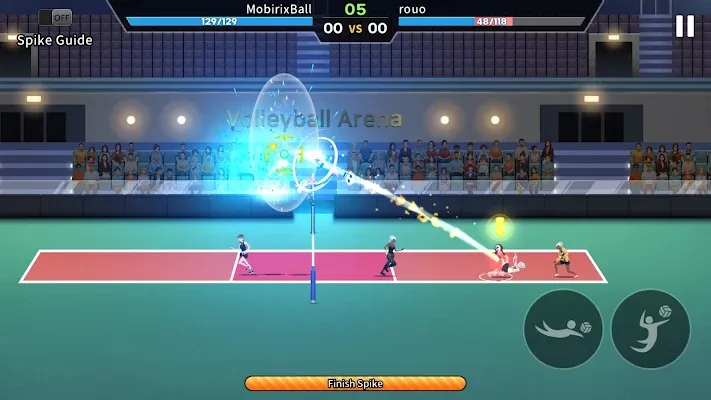
The honest answer: there is no native PC version
The Spike was built for Android, so there is no Windows or Mac version to download. On PC you run the same Android mod inside an emulator — the steps below show exactly how, with the keyboard controls mapped for spike timing.
Emulator Comparison
All four run the mod. The right pick depends on your PC’s RAM and how much you value keyboard mapping.
| Emulator | Min. RAM | Best For | Keyboard Mapping | Notes |
|---|---|---|---|---|
| BlueStacks 5 | 4 GB | Most players — best all-round performance and support | Excellent, fully custom | Heaviest install; enable virtualization for full speed |
| LDPlayer 9 | 2 GB | Low-end PCs and laptops | Very good | Lightest of the four; great FPS on weak hardware |
| NoxPlayer | 2 GB | Mac users and multi-instance play | Good | Solid macOS version; clean UI |
| MEmu | 2 GB | Older Windows PCs | Basic but workable | Supports older Android versions if a build misbehaves |
Our recommendation
BlueStacks 5 if your PC has 8 GB RAM or more — the smoothest rallies and the best keymapping. LDPlayer 9 if you’re on 4 GB or less. Either way, turn on virtualization (VT) in your BIOS: it can double emulator performance.
Install on PC — Step by Step
Using BlueStacks as the example; the flow is nearly identical in the other emulators.
Install the emulator
Download BlueStacks 5 from its official site and run the installer. Restart your PC if it asks, and enable virtualization in BIOS if the emulator reports it as off.
Create a fresh instance
Open the Multi-Instance Manager and create a Pie 64-bit (Android 9) or Android 11 instance. Give it 4 CPU cores and 4 GB RAM if your PC allows — The Spike is light, but headroom keeps rallies smooth.
Download The Spike Mod APK
Get the v8.0.116 APK file (462 MB) from the homepage and save it somewhere easy to find, like your Desktop.
Install the APK in the emulator
Drag the APK file straight onto the BlueStacks window, or use the “Install APK” button in the sidebar. Installation takes under a minute.
Set up the mod menu & controls
Launch the game, grant the overlay permission inside the emulator, and enable your mod features. Then open the Game Controls editor and map the keys below before your first match.
PC System Requirements
| Minimum | Recommended | |
|---|---|---|
| OS | Windows 7 / macOS 11 | Windows 10/11 64-bit |
| RAM | 4 GB | 8 GB+ |
| CPU | Dual-core, VT support | Quad-core with VT enabled |
| Storage | 5 GB free | 10 GB free (SSD) |
| GPU | Integrated graphics | Any dedicated GPU |
Recommended Keyboard Controls
The Spike is a timing game — put movement and actions under different hands so you never fight the keyboard mid-rally.
| Action | Suggested Key | Why |
|---|---|---|
| Move player | A / D or Arrow Keys | Left hand stays free for actions |
| Jump | K | Right-hand timing key for Boom Jump |
| Spike / Attack | J | Next to Jump — the jump→spike combo is one motion |
| Receive / Block | L | Defensive key under the same hand |
| Slide | Spacebar | Big target for panic saves |
| Serve toss | J (same as attack) | Keeps serve timing consistent with spike timing |
PC FAQ
Conclusion
On PC, The Spike Mod APK shines on a big screen inside an emulator: BlueStacks 5 for the smoothest experience on 8 GB RAM or more, LDPlayer 9 for lighter machines — with virtualization enabled and keys mapped to your own hands.
Set up the emulator once, map Jump, Spike and Block under different fingers, and your spike timing on PC will feel just as sharp as on a phone.
Ready to Play The Spike on PC?
Pick an emulator above, follow the install steps, and map your keys before your first match.
The Spike Mod Apk
Features, file info and the full Android install guide.
Go to homepage →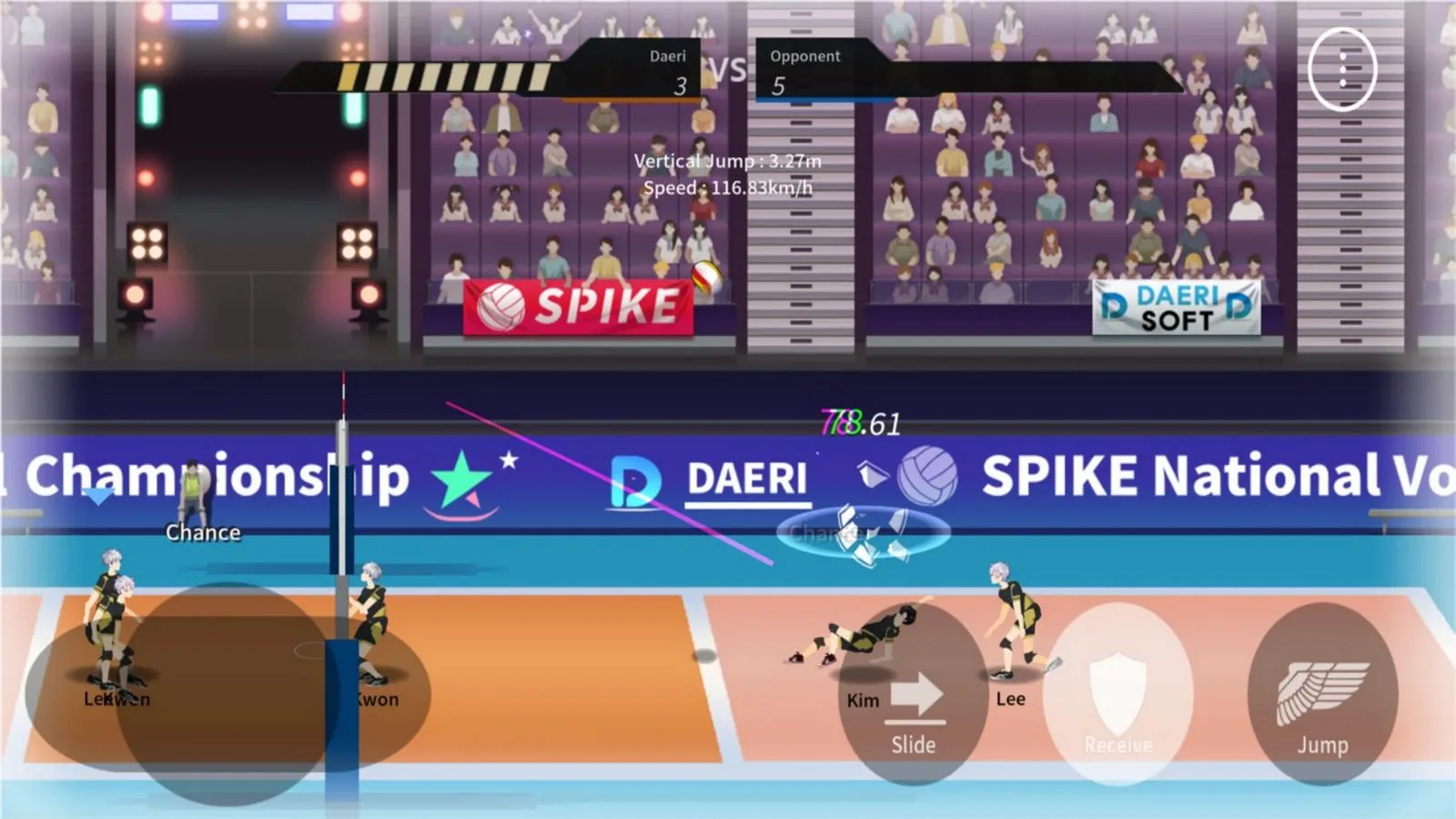
For iOS
Playing on iPhone instead? The honest sideloading guide.
Read the iOS guide →
Tips & Tricks
Now your keyboard is mapped — learn Boom Jump timing and pro drills.
See the tips →
Blog
Deep-dive guides: Boom Jump, safety, version history.
Read the blog →Disclaimer
The Spike and all related artwork are trademarks of DAERISOFT. This is an independent fan-made guide site and is not affiliated with or endorsed by DAERISOFT. A mod APK is an unofficial modification: it may violate the game’s terms of service, carries a ban risk in online modes, and its safety depends on the source you download from. When in doubt, play the official version from Google Play or the App Store and support the developers.